Da Vinci HD+1.0
Publisher Description
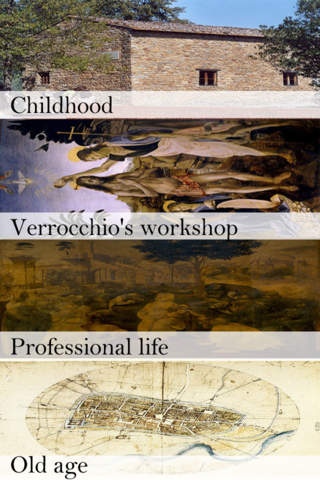
Leonardo di ser Piero da Vinci (April 15, 1452 May 2, 1519, Old Style) was an Italian Renaissance polymath: painter, sculptor, architect, musician, scientist, mathematician, engineer, inventor, anatomist, geologist, cartographer, botanist and writer whose genius, perhaps more than that of any other figure, epitomized the Renaissance humanist ideal. Leonardo has often been described as the archetype of the Renaissance Man, a man of "unquenchable curiosity" and "feverishly inventive imagination".
Features:-
All images are high quality and perfectly formatted for use as wallpaper.
Beautiful innovative design never before seen with painting
Export to Photo Album
Share by Email
Customization of slide show with different effect
view painting in full screen mode
Save your Favorite Painting
Zoom In/Out
NO WIFI CONNECTION REQUIRED.
Requires iOS 3.2 or later. Compatible with iPhone, iPad, and iPod touch.
About Da Vinci HD+
The company that develops Da Vinci HD+ is Jayesh Dharsandia. The latest version released by its developer is 1.0.
To install Da Vinci HD+ on your iOS device, just click the green Continue To App button above to start the installation process. The app is listed on our website since 2012-04-20 and was downloaded 6 times. We have already checked if the download link is safe, however for your own protection we recommend that you scan the downloaded app with your antivirus. Your antivirus may detect the Da Vinci HD+ as malware if the download link is broken.
How to install Da Vinci HD+ on your iOS device:
- Click on the Continue To App button on our website. This will redirect you to the App Store.
- Once the Da Vinci HD+ is shown in the iTunes listing of your iOS device, you can start its download and installation. Tap on the GET button to the right of the app to start downloading it.
- If you are not logged-in the iOS appstore app, you'll be prompted for your your Apple ID and/or password.
- After Da Vinci HD+ is downloaded, you'll see an INSTALL button to the right. Tap on it to start the actual installation of the iOS app.
- Once installation is finished you can tap on the OPEN button to start it. Its icon will also be added to your device home screen.
